Loper · Subtitles, captions & localization
Open .ass files on your Mac.
.ass .ssa
Styled subtitles with Script Info, Styles and Events sections.
Loper is a free, minimal editor for macOS that opens Advanced SubStation Alpha instantly and colors every part of the file, so you find the value you need at a glance and can fix it right there. No IDE, no project to load, no gray wall of text.
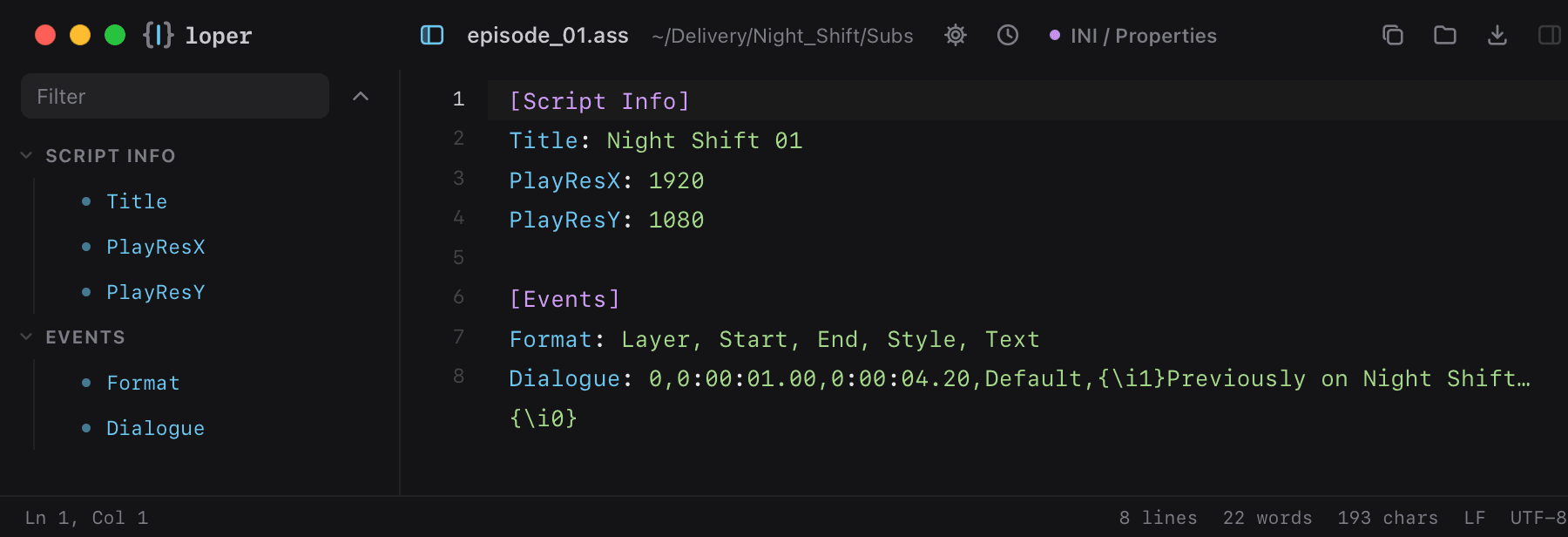
Show the file as text
[Script Info]Title: Night Shift 01PlayResX: 1920PlayResY: 1080 [Events]Format: Layer, Start, End, Style, TextDialogue: 0,0:00:01.00,0:00:04.20,Default,{\i1}Previously on Night Shift…{\i0}How to open .ass files
- Download Loper (free, Apple silicon, signed and notarized) and move it to Applications.
- Double-click your .ass file, drag it onto the Loper window, or right-click it and choose Open With › Loper.
- Want every .ass file to open in Loper? Choose Loper › Make Loper the Default Editor….
More for subtitles, captions & localization
SubRip subtitles (SRT) .srtWebVTT .vttScenarist closed captions (SCC) .sccTTML / DFXP / IMSC / iTT .ttmlXLIFF translations .xliffgettext PO .poYouTube captions (.sbv) .sbvMacCaption closed captions (.mcc) .mccSAMI captions (.smi) .samiApple .strings .stringsXcode string catalog (.xcstrings) .xcstringsApple plural rules (.stringsdict) .stringsdict.NET resources (.resx) .resxFlutter translations (.arb) .arbTranslation memory (.tmx) .tmx