Open .ctl files on your Mac.
.ctl
ACES Color Transformation Language with C-style highlighting.
Loper is a free, minimal editor for macOS that opens ACES CTL instantly and colors every part of the file, so you find the value you need at a glance and can fix it right there. No IDE, no project to load, no gray wall of text.
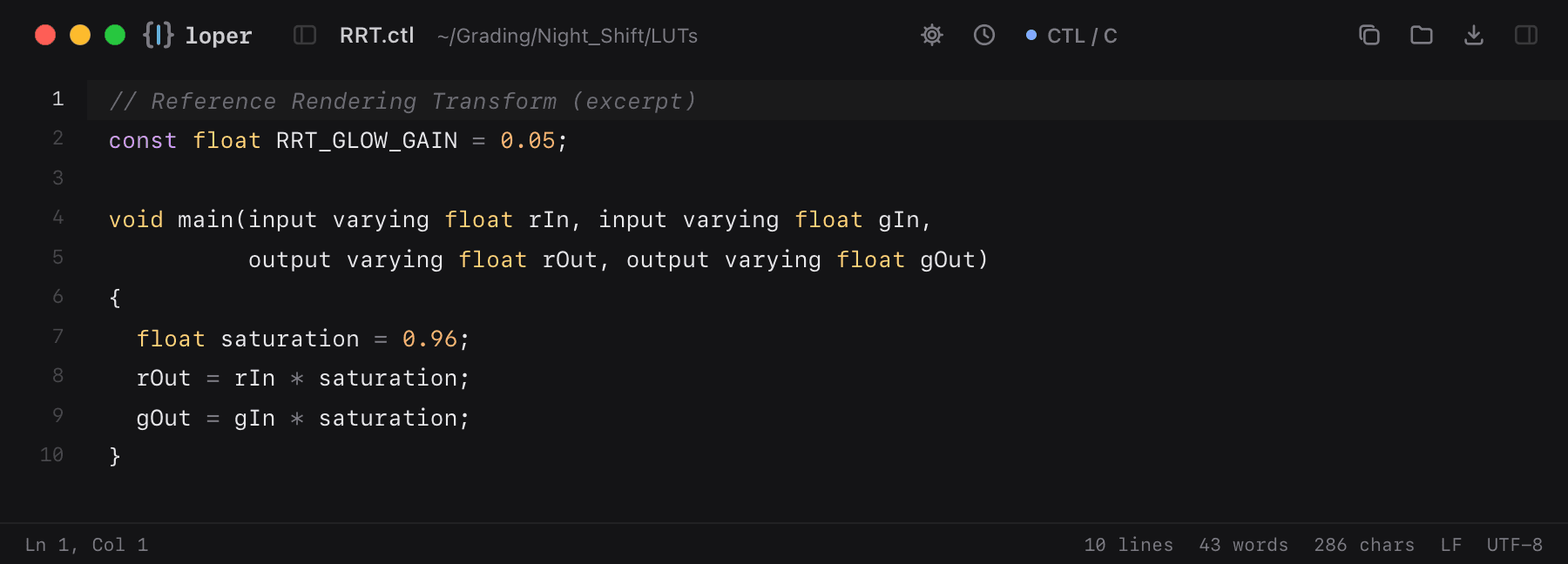
Show the file as text
// Reference Rendering Transform (excerpt)const float RRT_GLOW_GAIN = 0.05; void main(input varying float rIn, input varying float gIn, output varying float rOut, output varying float gOut){ float saturation = 0.96; rOut = rIn * saturation; gOut = gIn * saturation;}How to open .ctl files
- Download Loper (free, Apple silicon, signed and notarized) and move it to Applications.
- Double-click your .ctl file, drag it onto the Loper window, or right-click it and choose Open With › Loper.
- Want every .ctl file to open in Loper? Choose Loper › Make Loper the Default Editor….
More for colorists & finishing
LUT (.cube) .cubeLUT (.3dl) .3dlASC CDL (.cdl, .cc, .ccc) .cdlOpenColorIO config .ocioCommon LUT Format (CLF) .clfSony Imageworks 1D LUT (.spi1d) .spi1dSony Imageworks 3D LUT (.spi3d) .spi3dOpenColorIO matrix (.spimtx) .spimtxRising Sun cineSpace LUT (.csp) .cspDaVinci Resolve still (.drx) .drxACES Metadata File (.amf) .amf