Open .log files on your Mac.
.log
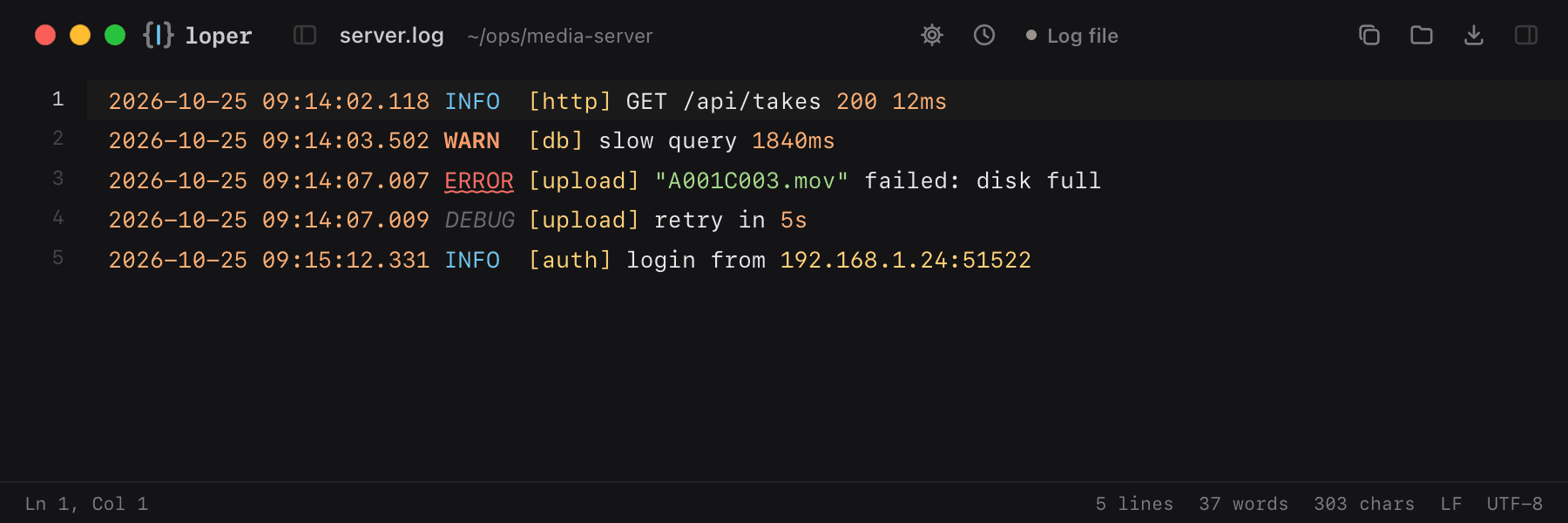
Timestamps, log levels, sources, URLs and IP addresses each in their own color, so errors jump out.
Loper is a free, minimal editor for macOS that opens Log files instantly and colors every part of the file, so you find the value you need at a glance and can fix it right there. No IDE, no project to load, no gray wall of text.
Show the file as text
2026-10-25 09:14:02.118 INFO [http] GET /api/takes 200 12ms2026-10-25 09:14:03.502 WARN [db] slow query 1840ms2026-10-25 09:14:07.007 ERROR [upload] "A001C003.mov" failed: disk full2026-10-25 09:14:07.009 DEBUG [upload] retry in 5s2026-10-25 09:15:12.331 INFO [auth] login from 192.168.1.24:51522How to open .log files
- Download Loper (free, Apple silicon, signed and notarized) and move it to Applications.
- Double-click your .log file, drag it onto the Loper window, or right-click it and choose Open With › Loper.
- Want every .log file to open in Loper? Choose Loper › Make Loper the Default Editor….