Open .csv files on your Mac.
.csv
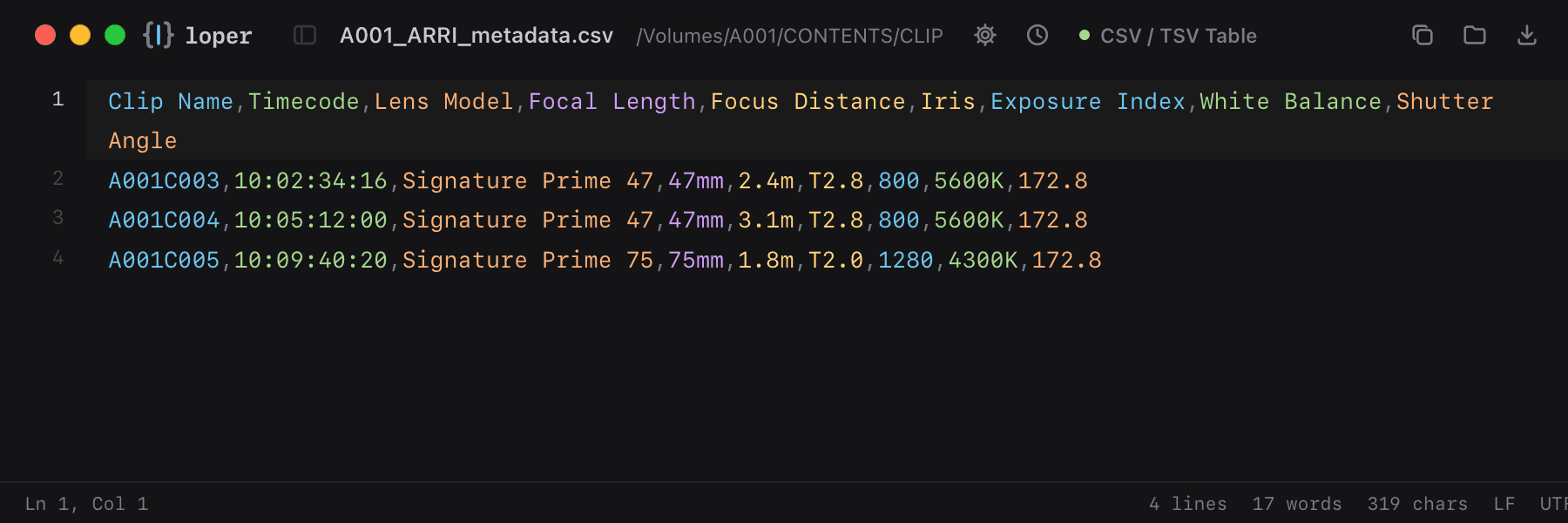
Per-clip camera and lens metadata from ARRI Meta Extract or ARRI Reference Tool, one color per column.
Loper is a free, minimal editor for macOS that opens ARRI metadata export (CSV) instantly and colors every part of the file, so you find the value you need at a glance and can fix it right there. No IDE, no project to load, no gray wall of text.
Show the file as text
Clip Name,Timecode,Lens Model,Focal Length,Focus Distance,Iris,Exposure Index,White Balance,Shutter AngleA001C003,10:02:34:16,Signature Prime 47,47mm,2.4m,T2.8,800,5600K,172.8A001C004,10:05:12:00,Signature Prime 47,47mm,3.1m,T2.8,800,5600K,172.8A001C005,10:09:40:20,Signature Prime 75,75mm,1.8m,T2.0,1280,4300K,172.8How to open .csv files
- Download Loper (free, Apple silicon, signed and notarized) and move it to Applications.
- Double-click your .csv file, drag it onto the Loper window, or right-click it and choose Open With › Loper.
- Want every .csv file to open in Loper? Choose Loper › Make Loper the Default Editor….
More for camera files
Sony clip metadata (NonRealTimeMeta) M01.XMLRED metadata sidecar (.RMD) .RMDBlackmagic RAW sidecar .sidecarNikon NX Studio sidecar (.nksc) .nkscFujifilm film simulation recipe .FP1Panasonic P2 clip metadata CONTENTS/CLIP/*.XMLPanasonic VLT look (VariCam, EVA1, LUMIX) .vltDJI drone telemetry (.SRT) .SRTCanon Log LUT .cubeXMP sidecar (Lightroom, Bridge, Capture One) .xmpARRI look file (.aml) .aml