Open .mmp files on your Mac.
.mmp
LMMS songs in XML: tempo, tracks, instruments and patterns.
Loper is a free, minimal editor for macOS that opens LMMS project (.mmp) instantly and colors every part of the file, so you find the value you need at a glance and can fix it right there. No IDE, no project to load, no gray wall of text.
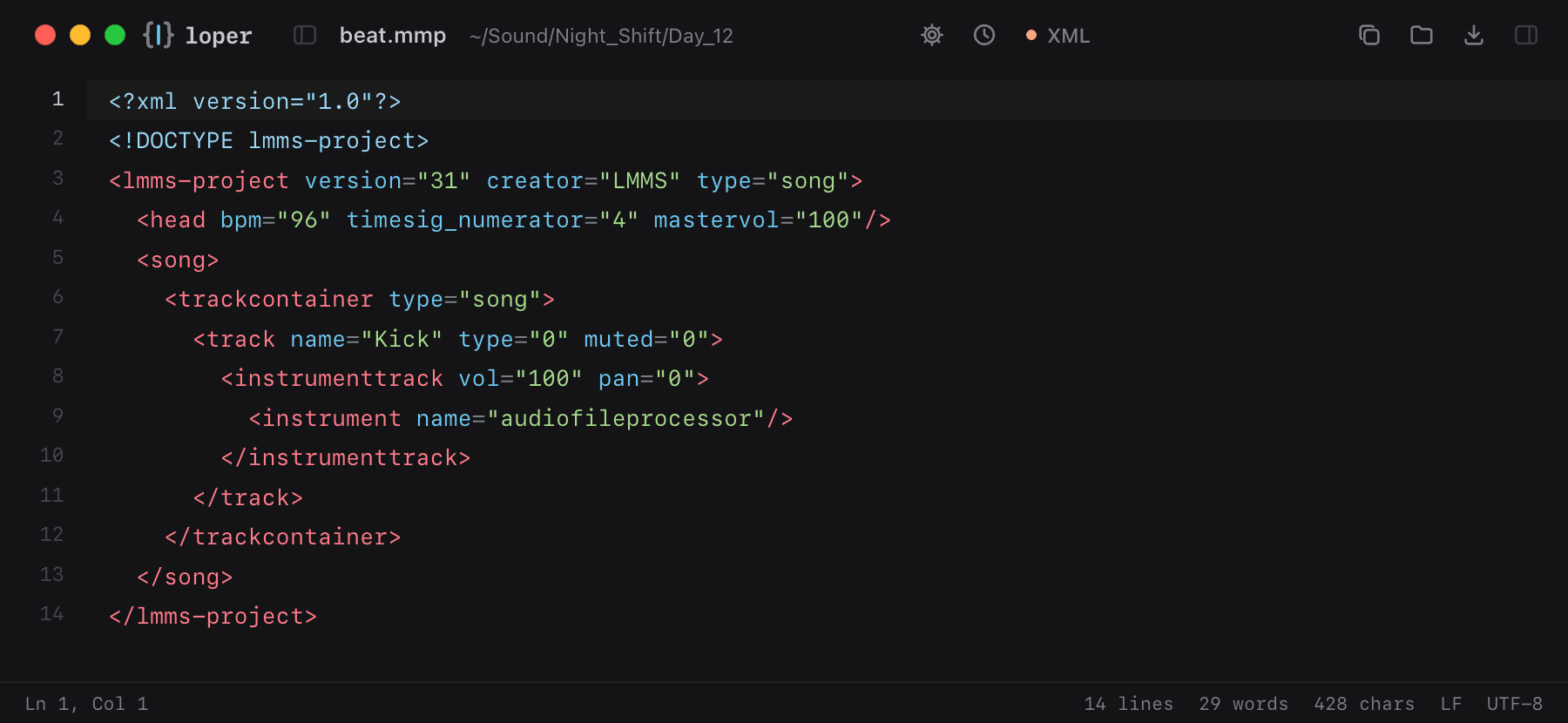
Show the file as text
<lmms-project version="31" creator="LMMS" type="song"> <head bpm="96" timesig_numerator="4" mastervol="100"/> <song> <trackcontainer type="song"> <track name="Kick" type="0" muted="0"> <instrumenttrack vol="100" pan="0"> <instrument name="audiofileprocessor"/> </instrumenttrack> </track> </trackcontainer> </song></lmms-project>How to open .mmp files
- Download Loper (free, Apple silicon, signed and notarized) and move it to Applications.
- Double-click your .mmp file, drag it onto the Loper window, or right-click it and choose Open With › Loper.
- Want every .mmp file to open in Loper? Choose Loper › Make Loper the Default Editor….