Open .lrc files on your Mac.
.lrc
Timed lyrics with tags and [mm:ss.xx] timestamps.
Loper is a free, minimal editor for macOS that opens Synced lyrics (LRC) instantly and colors every part of the file, so you find the value you need at a glance and can fix it right there. No IDE, no project to load, no gray wall of text.
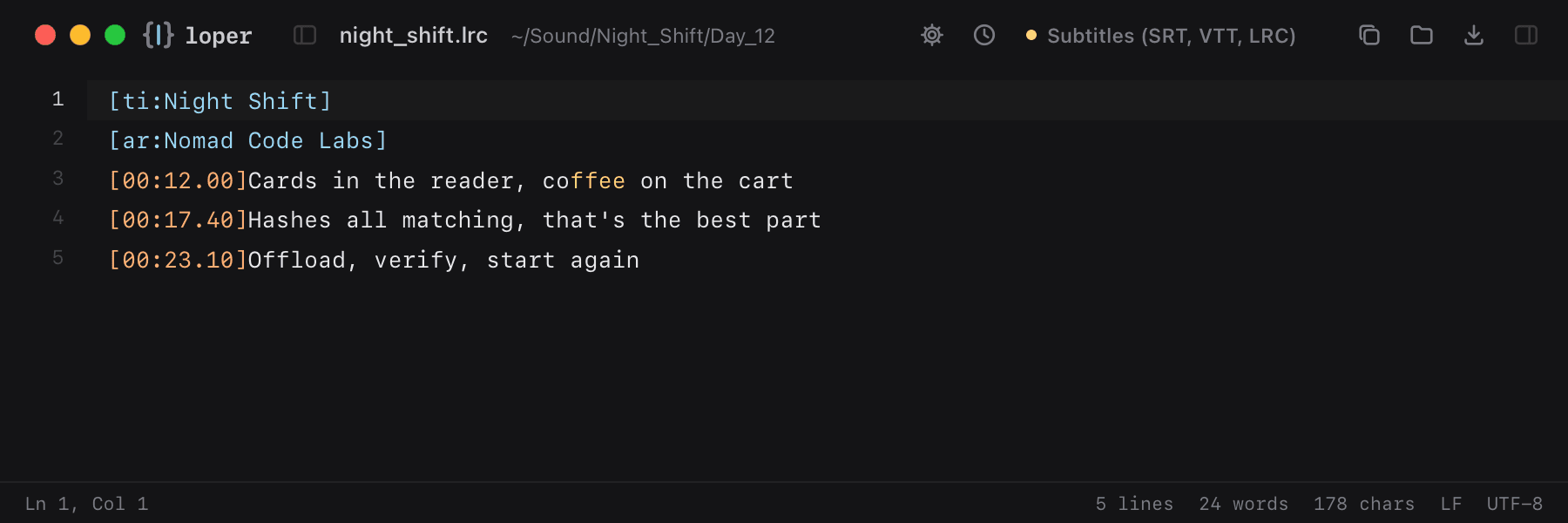
Show the file as text
[00:12.00]Cards in the reader, coffee on the cart[00:17.40]Hashes all matching, that's the best part[00:23.10]Offload, verify, start againHow to open .lrc files
- Download Loper (free, Apple silicon, signed and notarized) and move it to Applications.
- Double-click your .lrc file, drag it onto the Loper window, or right-click it and choose Open With › Loper.
- Want every .lrc file to open in Loper? Choose Loper › Make Loper the Default Editor….