Loper · Editors & assistant editors
Open .fcpxml files on your Mac.
.fcpxml .fcpxmld
Final Cut Pro interchange with assets, the spine and rational timings like 3003/30000s.
Loper is a free, minimal editor for macOS that opens Final Cut Pro XML (FCPXML) instantly and colors every part of the file, so you find the value you need at a glance and can fix it right there. No IDE, no project to load, no gray wall of text.
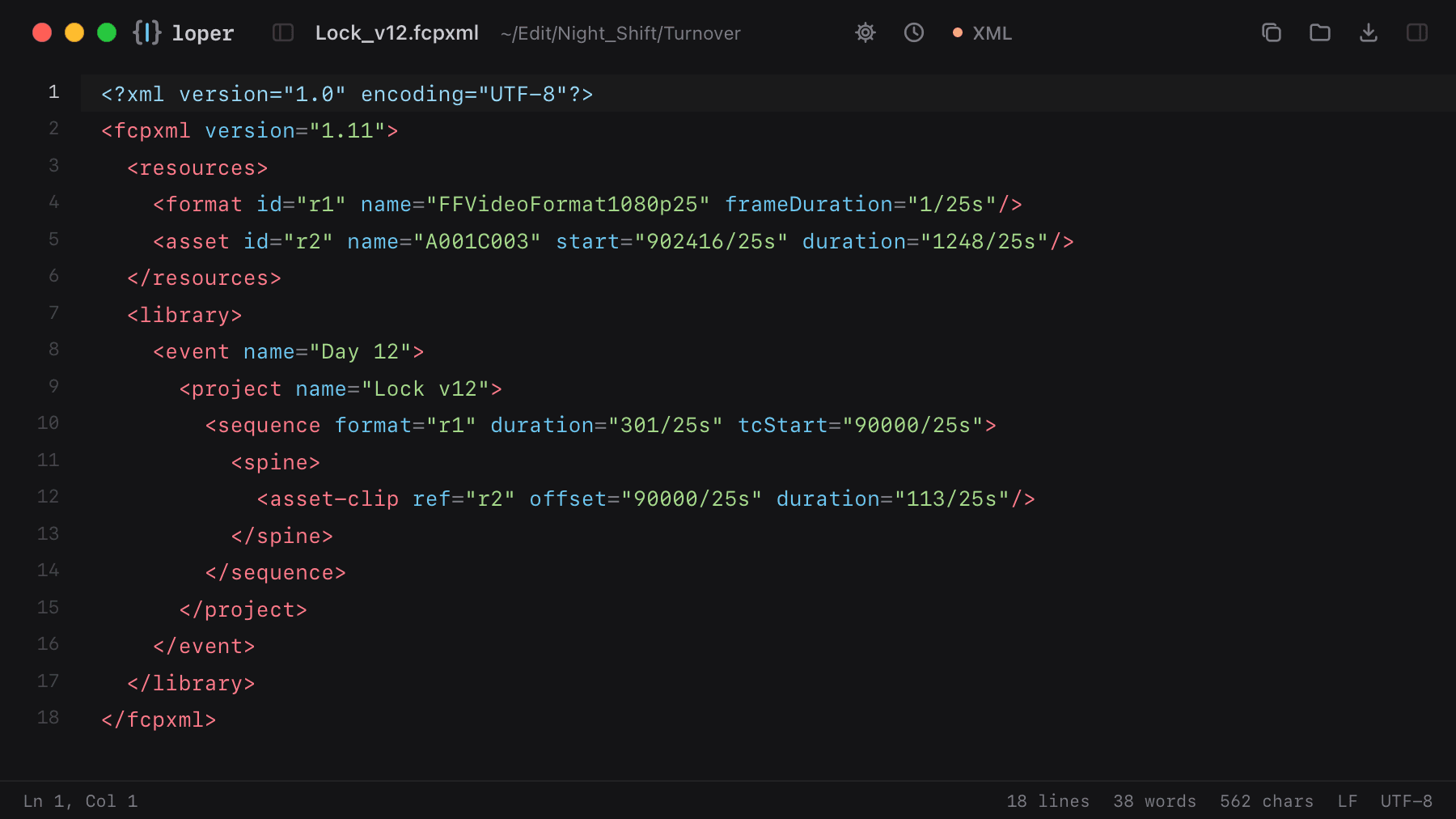
Show the file as text
<fcpxml version="1.11"> <resources> <format id="r1" name="FFVideoFormat1080p25" frameDuration="1/25s"/> <asset id="r2" name="A001C003" start="902416/25s" duration="1248/25s"/> </resources> <library> <event name="Day 12"> <project name="Lock v12"> <sequence format="r1" duration="301/25s" tcStart="90000/25s"> <spine> <asset-clip ref="r2" offset="90000/25s" duration="113/25s"/> </spine> </sequence> </project> </event> </library></fcpxml>How to open .fcpxml files
- Download Loper (free, Apple silicon, signed and notarized) and move it to Applications.
- Double-click your .fcpxml file, drag it onto the Loper window, or right-click it and choose Open With › Loper.
- Want every .fcpxml file to open in Loper? Choose Loper › Make Loper the Default Editor….