Open .comp files on your Mac.
.comp .setting
Blackmagic Fusion comps and macros are Lua tables: tools, inputs and connections.
Loper is a free, minimal editor for macOS that opens Fusion comp and macro (.comp, .setting) instantly and colors every part of the file, so you find the value you need at a glance and can fix it right there. No IDE, no project to load, no gray wall of text.
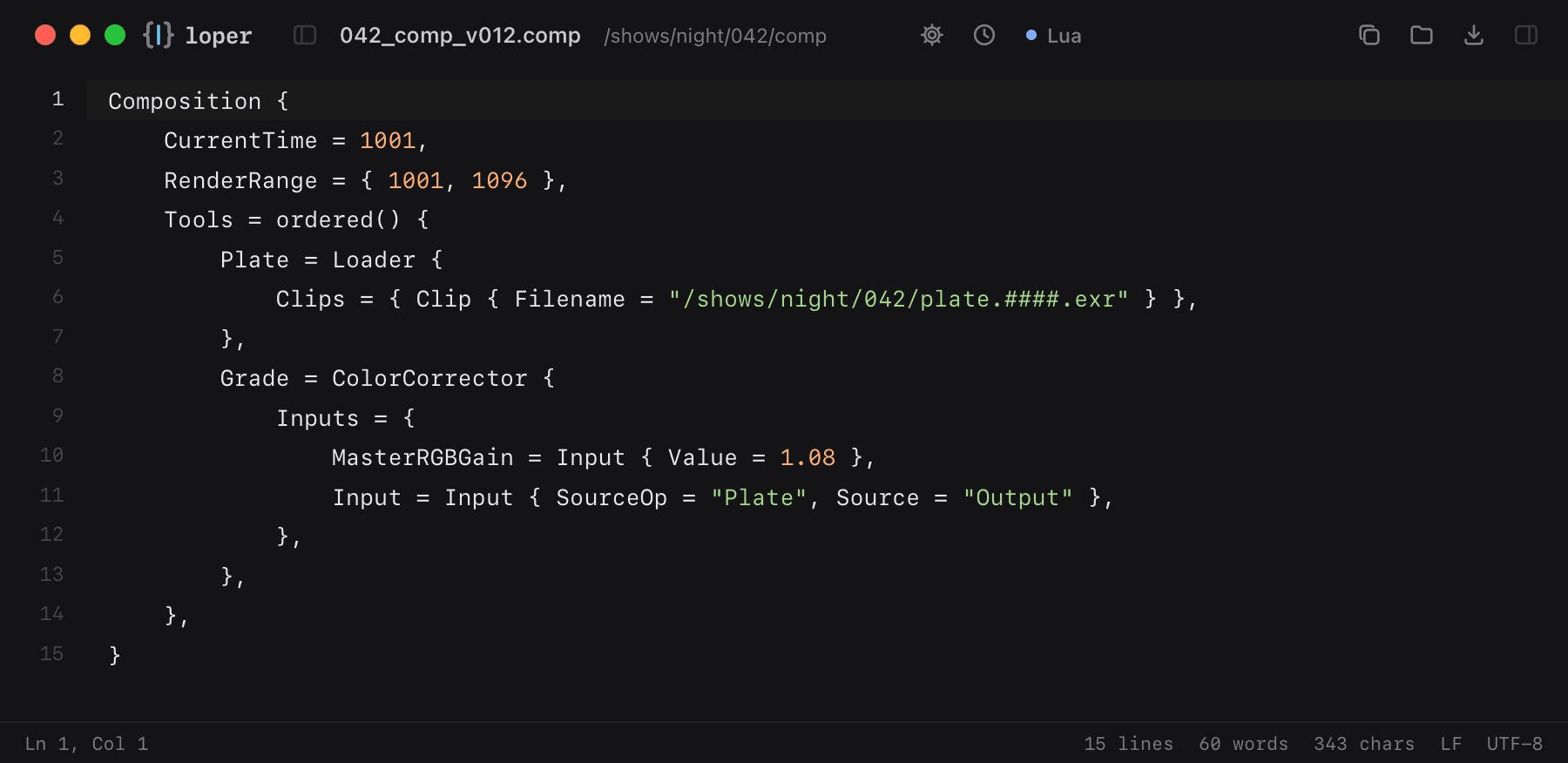
Show the file as text
Composition { CurrentTime = 1001, RenderRange = { 1001, 1096 }, Tools = ordered() { Plate = Loader { Clips = { Clip { Filename = "/shows/night/042/plate.####.exr" } }, }, Grade = ColorCorrector { Inputs = { MasterRGBGain = Input { Value = 1.08 }, Input = Input { SourceOp = "Plate", Source = "Output" }, }, }, },}How to open .comp files
- Download Loper (free, Apple silicon, signed and notarized) and move it to Applications.
- Double-click your .comp file, drag it onto the Loper window, or right-click it and choose Open With › Loper.
- Want every .comp file to open in Loper? Choose Loper › Make Loper the Default Editor….