Open .osl files on your Mac.
.osl
Shaders for Arnold, RenderMan, Cycles and V-Ray, in OSL's C-like syntax.
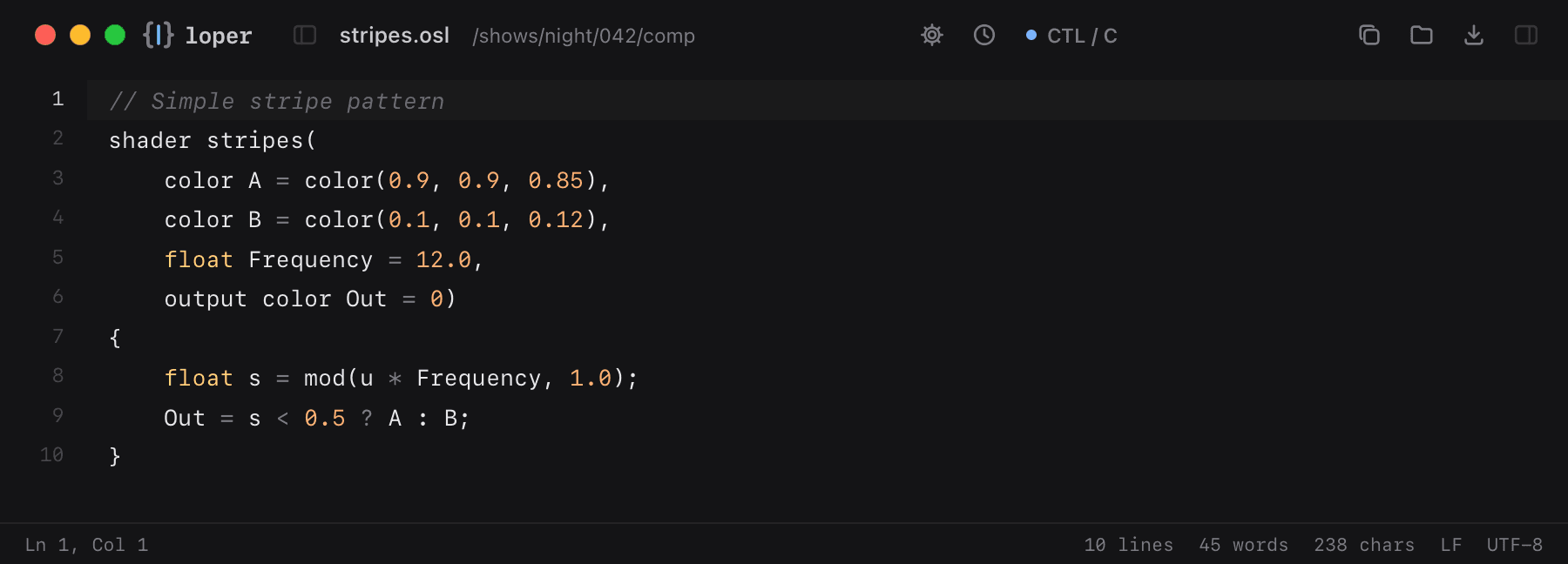
Loper is a free, minimal editor for macOS that opens Open Shading Language (.osl) instantly and colors every part of the file, so you find the value you need at a glance and can fix it right there. No IDE, no project to load, no gray wall of text.
Show the file as text
// Simple stripe patternshader stripes( color A = color(0.9, 0.9, 0.85), color B = color(0.1, 0.1, 0.12), float Frequency = 12.0, output color Out = 0){ float s = mod(u * Frequency, 1.0); Out = s < 0.5 ? A : B;}How to open .osl files
- Download Loper (free, Apple silicon, signed and notarized) and move it to Applications.
- Double-click your .osl file, drag it onto the Loper window, or right-click it and choose Open With › Loper.
- Want every .osl file to open in Loper? Choose Loper › Make Loper the Default Editor….