Open .nk files on your Mac.
.nk .nknc .gizmo
Nuke comps and gizmos: nodes, knobs and values.
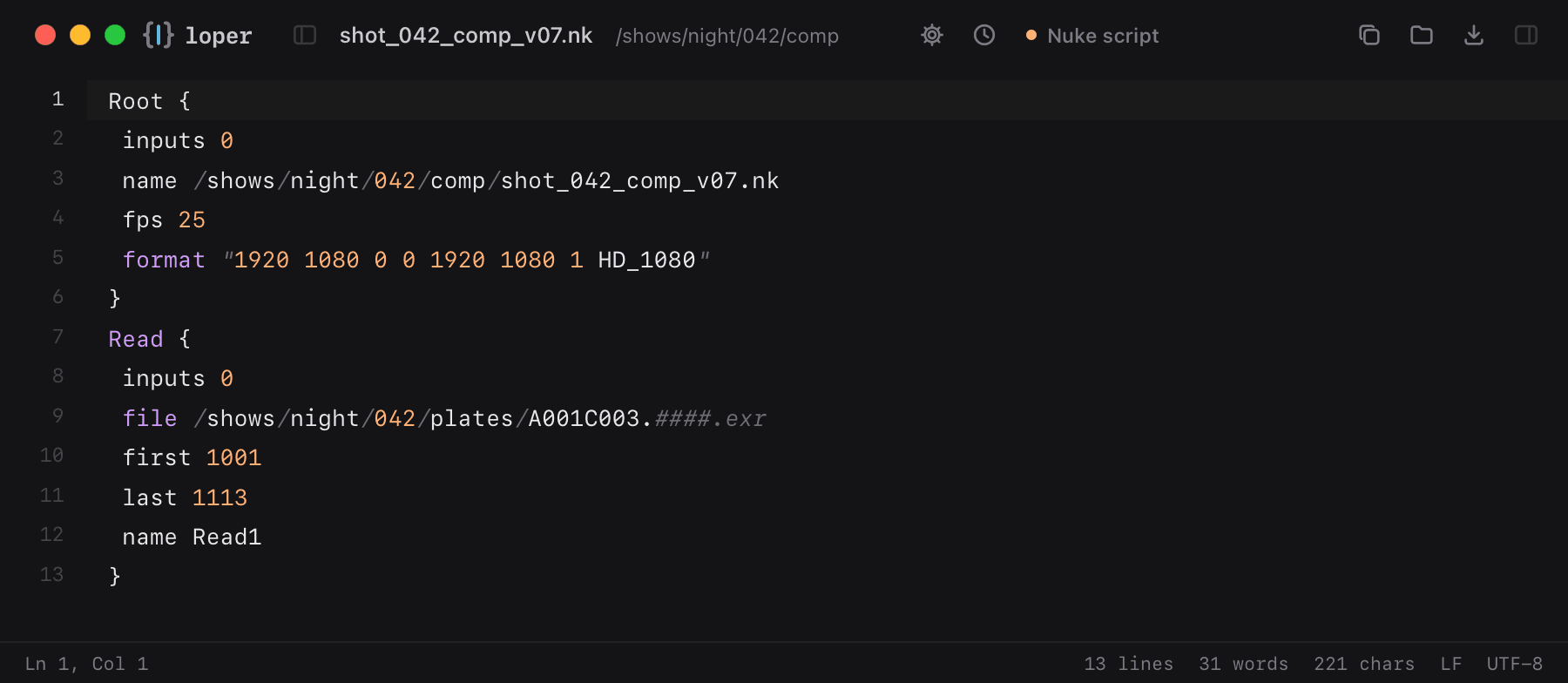
Loper is a free, minimal editor for macOS that opens Nuke scripts instantly and colors every part of the file, so you find the value you need at a glance and can fix it right there. No IDE, no project to load, no gray wall of text.
Show the file as text
Root { inputs 0 name /shows/night/042/comp/shot_042_comp_v07.nk fps 25 format "1920 1080 0 0 1920 1080 1 HD_1080"}Read { inputs 0 file /shows/night/042/plates/A001C003.####.exr first 1001 last 1113 name Read1}How to open .nk files
- Download Loper (free, Apple silicon, signed and notarized) and move it to Applications.
- Double-click your .nk file, drag it onto the Loper window, or right-click it and choose Open With › Loper.
- Want every .nk file to open in Loper? Choose Loper › Make Loper the Default Editor….