Open .ma files on your Mac.
.ma
Maya scenes saved as text: MEL commands that create nodes and set their attributes.
Loper is a free, minimal editor for macOS that opens Maya ASCII scene (.ma) instantly and colors every part of the file, so you find the value you need at a glance and can fix it right there. No IDE, no project to load, no gray wall of text.
Show the file as text
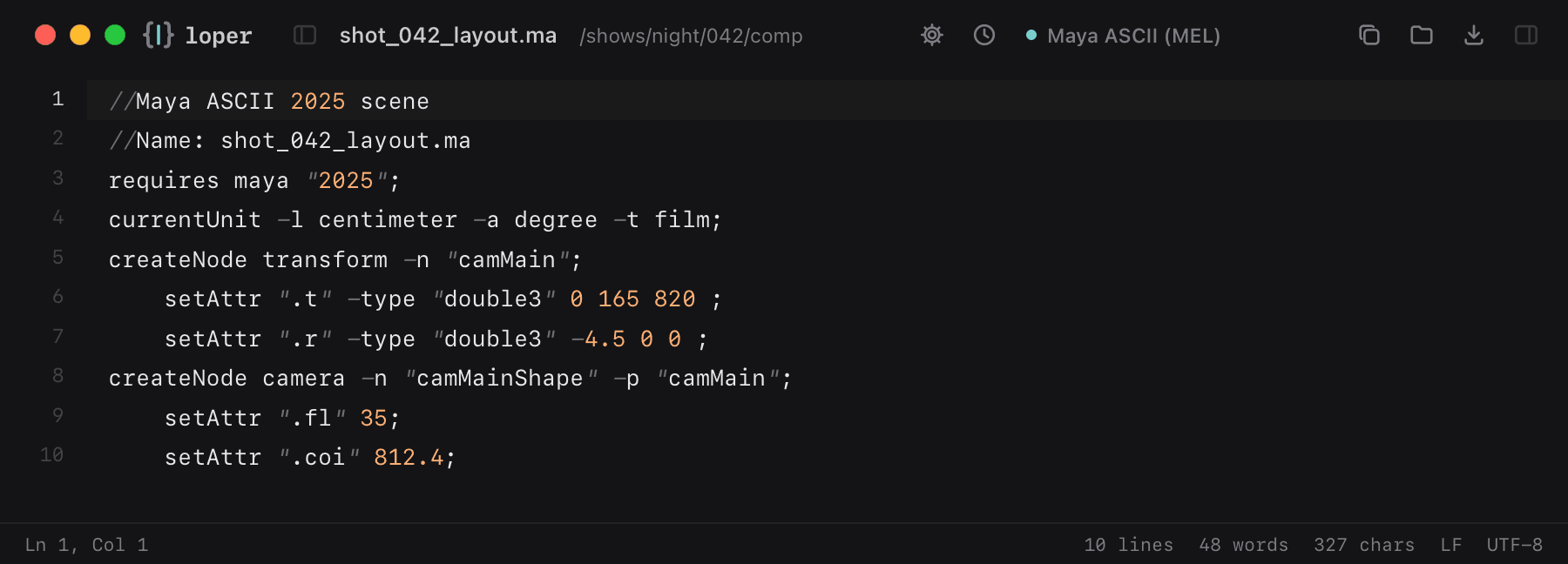
//Maya ASCII 2025 scene//Name: shot_042_layout.marequires maya "2025";currentUnit -l centimeter -a degree -t film;createNode transform -n "camMain"; setAttr ".t" -type "double3" 0 165 820 ; setAttr ".r" -type "double3" -4.5 0 0 ;createNode camera -n "camMainShape" -p "camMain"; setAttr ".fl" 35; setAttr ".coi" 812.4;How to open .ma files
- Download Loper (free, Apple silicon, signed and notarized) and move it to Applications.
- Double-click your .ma file, drag it onto the Loper window, or right-click it and choose Open With › Loper.
- Want every .ma file to open in Loper? Choose Loper › Make Loper the Default Editor….