Open .diff files on your Mac.
.diff .patch
Patches and diffs with added lines, removed lines and hunk headers in their own colors.
Loper is a free, minimal editor for macOS that opens Diff and patch instantly and colors every part of the file, so you find the value you need at a glance and can fix it right there. No IDE, no project to load, no gray wall of text.
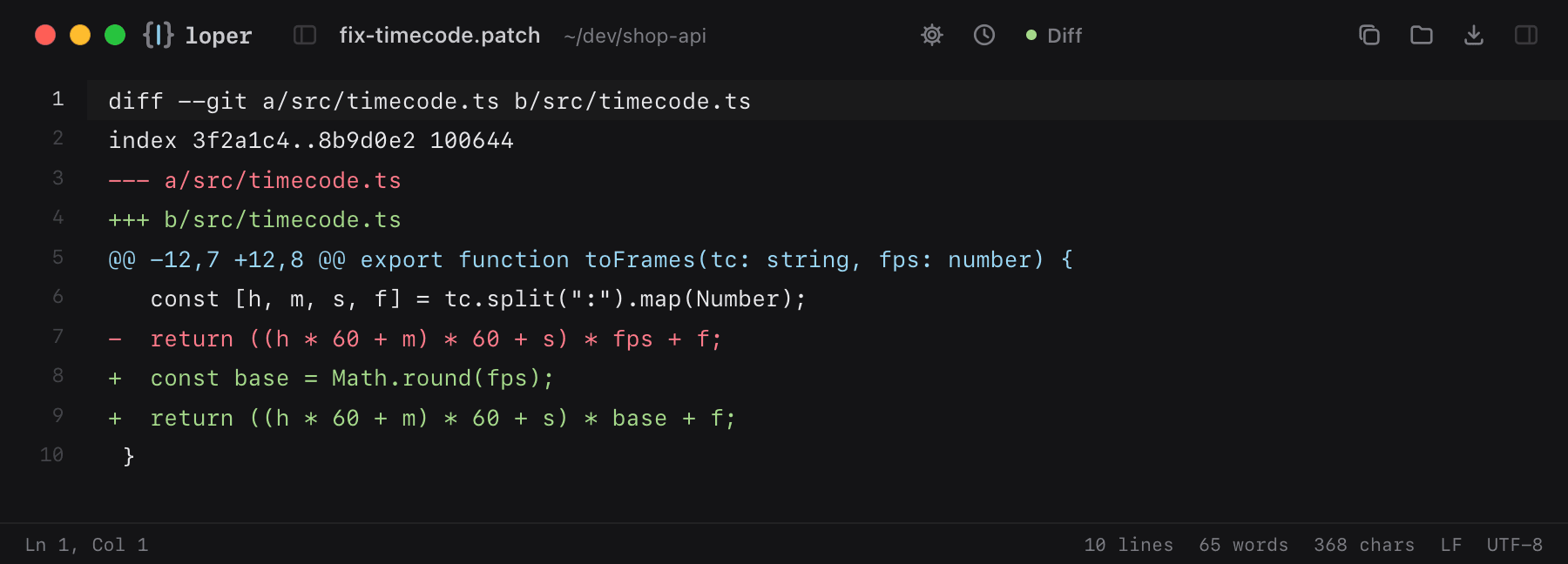
Show the file as text
diff --git a/src/timecode.ts b/src/timecode.tsindex 3f2a1c4..8b9d0e2 100644--- a/src/timecode.ts+++ b/src/timecode.ts const [h, m, s, f] = tc.split(":").map(Number);- return ((h * 60 + m) * 60 + s) * fps + f;+ const base = Math.round(fps);+ return ((h * 60 + m) * 60 + s) * base + f; }How to open .diff files
- Download Loper (free, Apple silicon, signed and notarized) and move it to Applications.
- Double-click your .diff file, drag it onto the Loper window, or right-click it and choose Open With › Loper.
- Want every .diff file to open in Loper? Choose Loper › Make Loper the Default Editor….