Open .json files on your Mac.
.json .jsonc .json5
Package manifests, API responses and settings. Keys, strings, numbers and booleans in color, with a nested key tree and folding.
Loper is a free, minimal editor for macOS that opens JSON instantly and colors every part of the file, so you find the value you need at a glance and can fix it right there. No IDE, no project to load, no gray wall of text.
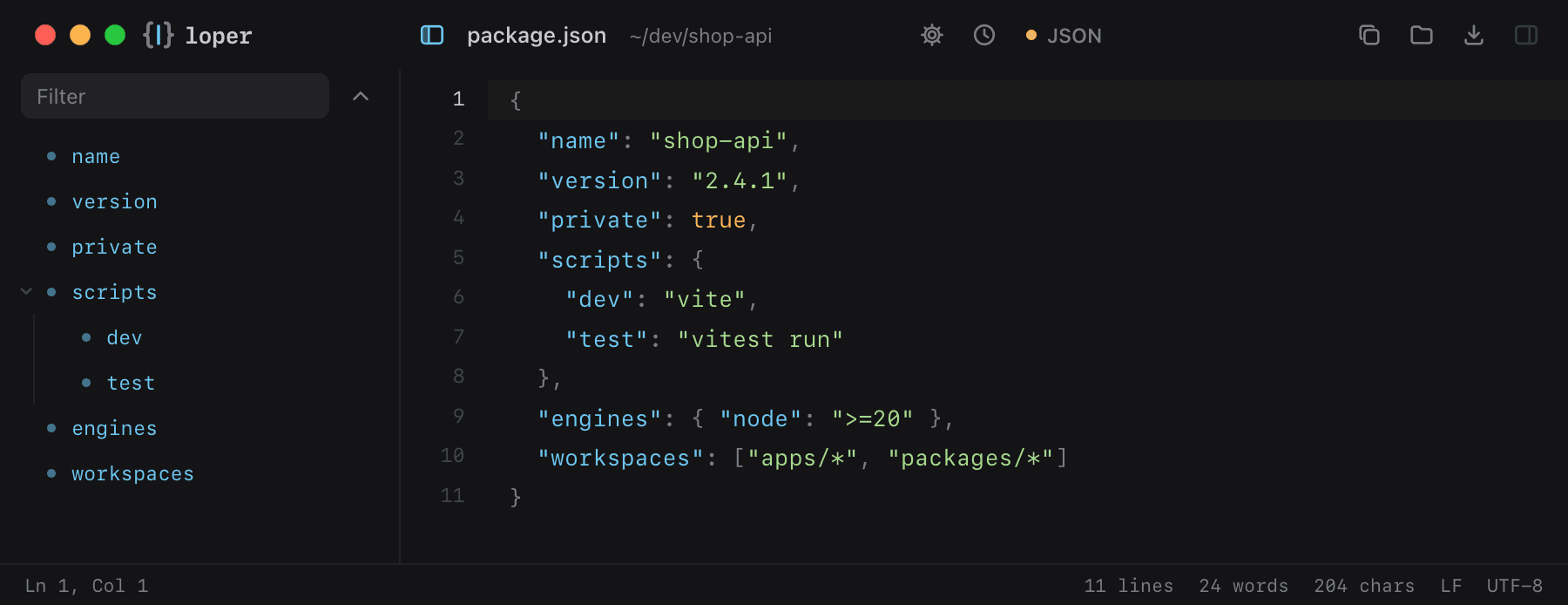
Show the file as text
{ "name": "shop-api", "version": "2.4.1", "private": true, "scripts": { "dev": "vite", "test": "vitest run" }, "engines": { "node": ">=20" }, "workspaces": ["apps/*", "packages/*"]}How to open .json files
- Download Loper (free, Apple silicon, signed and notarized) and move it to Applications.
- Double-click your .json file, drag it onto the Loper window, or right-click it and choose Open With › Loper.
- Want every .json file to open in Loper? Choose Loper › Make Loper the Default Editor….
More for developers
Environment files .envMarkdown .mdYAML .ymlTOML .tomlTypeScript & JavaScript .tsPython .pyShell scripts & dotfiles .shSQL .sqlPlain text .txtINI configuration .iniPython setup.cfg / tool config .cfgJava properties .propertiesHTML .htmlCSS and SCSS .cssJavaScript .jsRust .rsGo .goLua .luaDiff and patch .diff