Open .html files on your Mac.
.html .htm
Web pages and email templates with tags, attributes and values in their own colors.
Loper is a free, minimal editor for macOS that opens HTML instantly and colors every part of the file, so you find the value you need at a glance and can fix it right there. No IDE, no project to load, no gray wall of text.
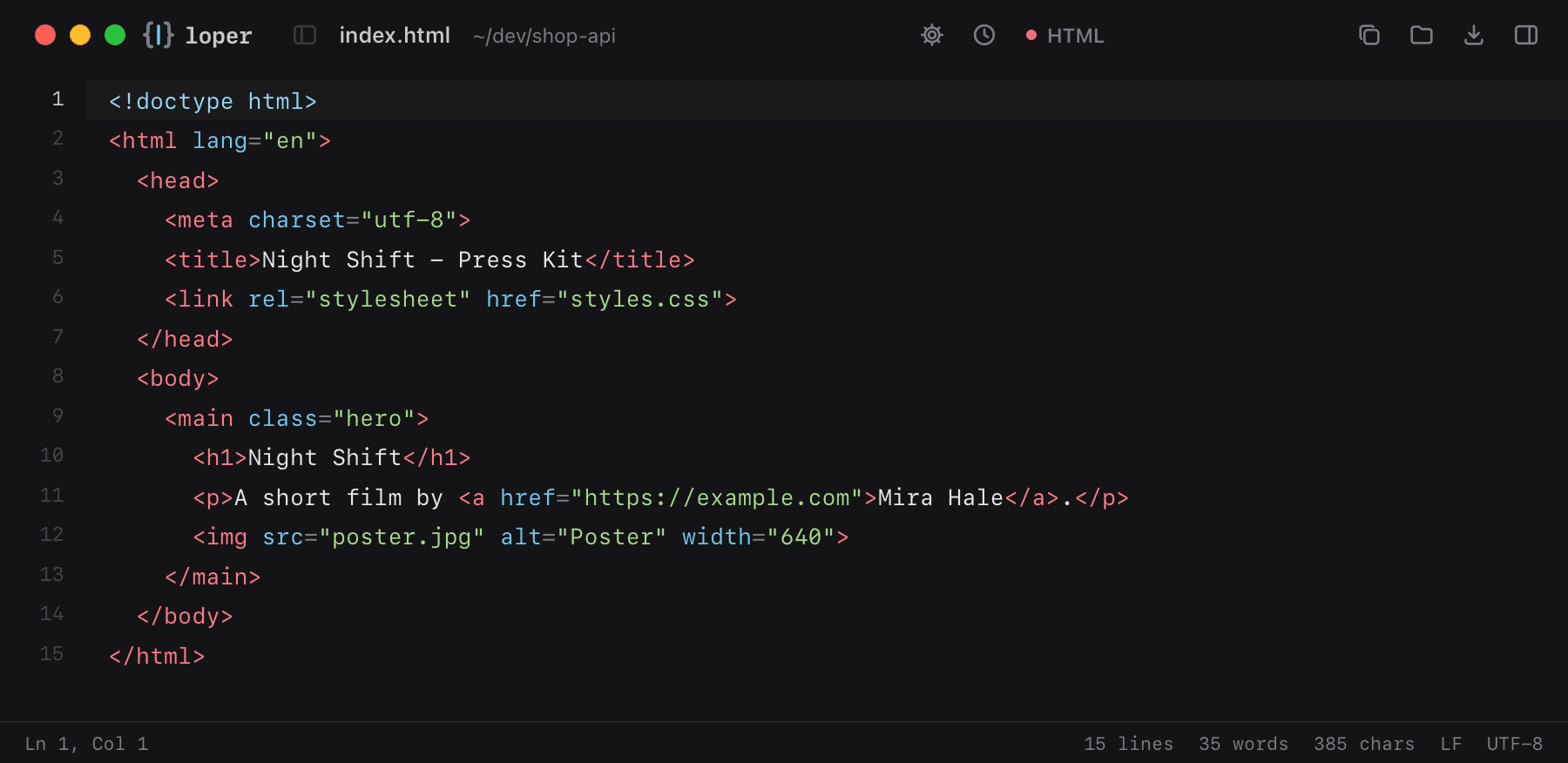
Show the file as text
<html lang="en"> <head> <meta charset="utf-8"> <title>Night Shift - Press Kit</title> <link rel="stylesheet" href="styles.css"> </head> <body> <main class="hero"> <h1>Night Shift</h1> <p>A short film by <a href="https://example.com">Mira Hale</a>.</p> <img src="poster.jpg" alt="Poster" width="640"> </main> </body></html>How to open .html files
- Download Loper (free, Apple silicon, signed and notarized) and move it to Applications.
- Double-click your .html file, drag it onto the Loper window, or right-click it and choose Open With › Loper.
- Want every .html file to open in Loper? Choose Loper › Make Loper the Default Editor….
More for developers
Environment files .envMarkdown .mdJSON .jsonYAML .ymlTOML .tomlTypeScript & JavaScript .tsPython .pyShell scripts & dotfiles .shSQL .sqlPlain text .txtINI configuration .iniPython setup.cfg / tool config .cfgJava properties .propertiesCSS and SCSS .cssJavaScript .jsRust .rsGo .goLua .luaDiff and patch .diff