Open .properties files on your Mac.
.properties
Spring Boot, Gradle and Java app settings: dotted keys and values, easy to scan and diff.
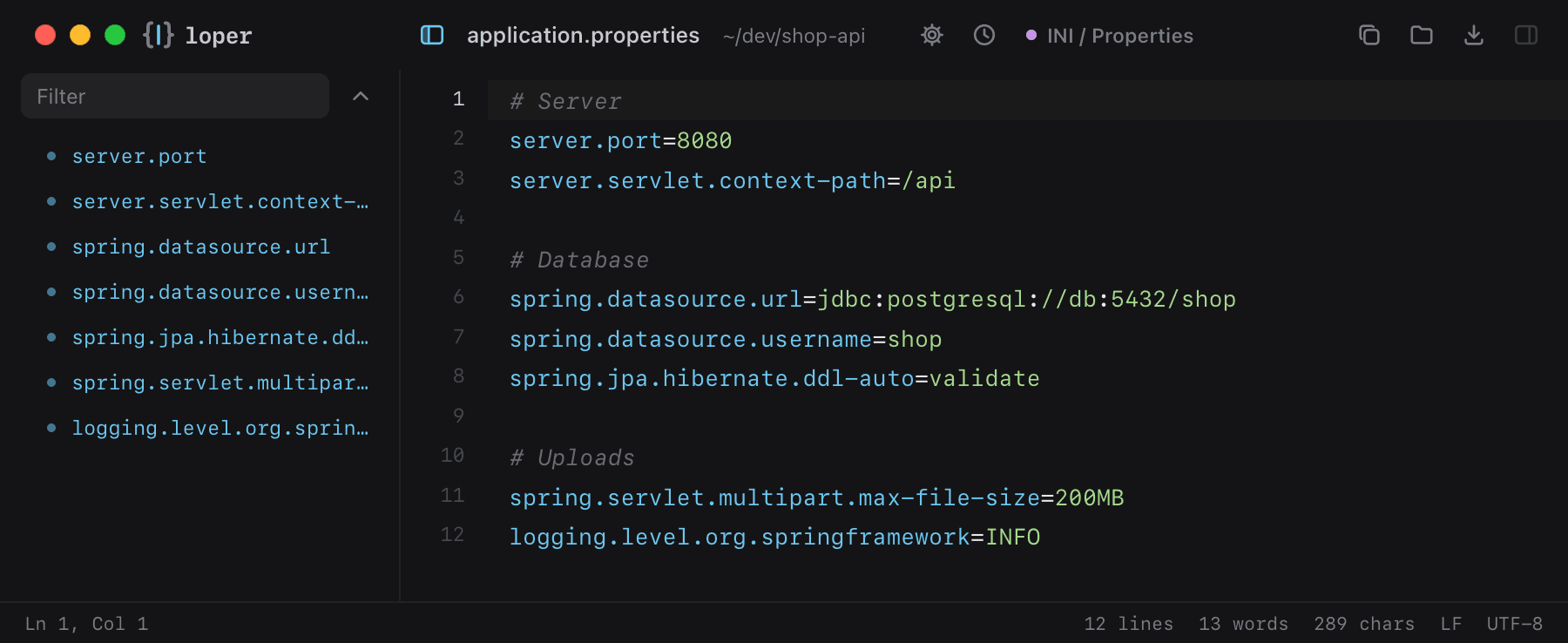
Loper is a free, minimal editor for macOS that opens Java properties instantly and colors every part of the file, so you find the value you need at a glance and can fix it right there. No IDE, no project to load, no gray wall of text.
Show the file as text
# Serverserver.port=8080server.servlet.context-path=/api # Databasespring.datasource.url=jdbc:postgresql://db:5432/shopspring.datasource.username=shopspring.jpa.hibernate.ddl-auto=validate # Uploadsspring.servlet.multipart.max-file-size=200MBlogging.level.org.springframework=INFOHow to open .properties files
- Download Loper (free, Apple silicon, signed and notarized) and move it to Applications.
- Double-click your .properties file, drag it onto the Loper window, or right-click it and choose Open With › Loper.
- Want every .properties file to open in Loper? Choose Loper › Make Loper the Default Editor….