Open .ts files on your Mac.
.ts .tsx .js .jsx .mjs
Quick fixes to scripts, configs and components with full syntax highlighting.
Loper is a free, minimal editor for macOS that opens TypeScript & JavaScript instantly and colors every part of the file, so you find the value you need at a glance and can fix it right there. No IDE, no project to load, no gray wall of text.
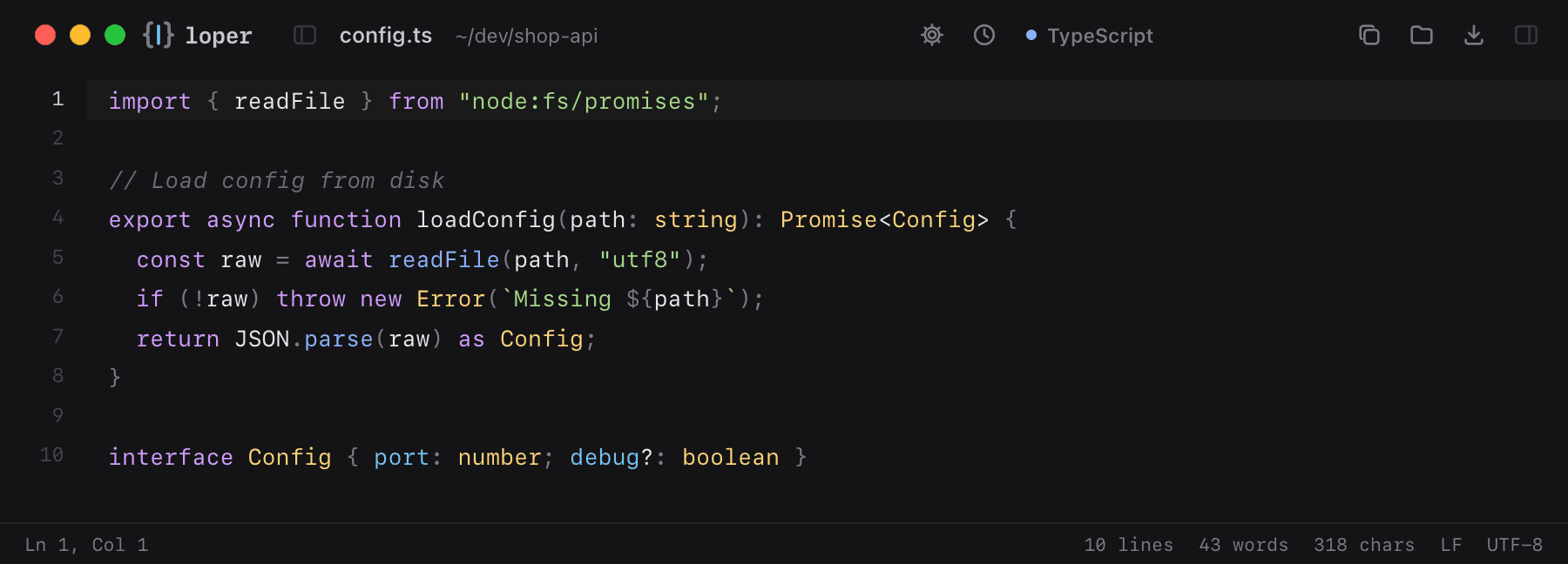
Show the file as text
import { readFile } from "node:fs/promises"; // Load config from diskexport async function loadConfig(path: string): Promise<Config> { const raw = await readFile(path, "utf8"); if (!raw) throw new Error(`Missing ${path}`); return JSON.parse(raw) as Config;} interface Config { port: number; debug?: boolean }How to open .ts files
- Download Loper (free, Apple silicon, signed and notarized) and move it to Applications.
- Double-click your .ts file, drag it onto the Loper window, or right-click it and choose Open With › Loper.
- Want every .ts file to open in Loper? Choose Loper › Make Loper the Default Editor….