Open .yml files on your Mac.
.yml .yaml
CI workflows, Docker Compose and Kubernetes manifests with colored keys and values and a nested outline.
Loper is a free, minimal editor for macOS that opens YAML instantly and colors every part of the file, so you find the value you need at a glance and can fix it right there. No IDE, no project to load, no gray wall of text.
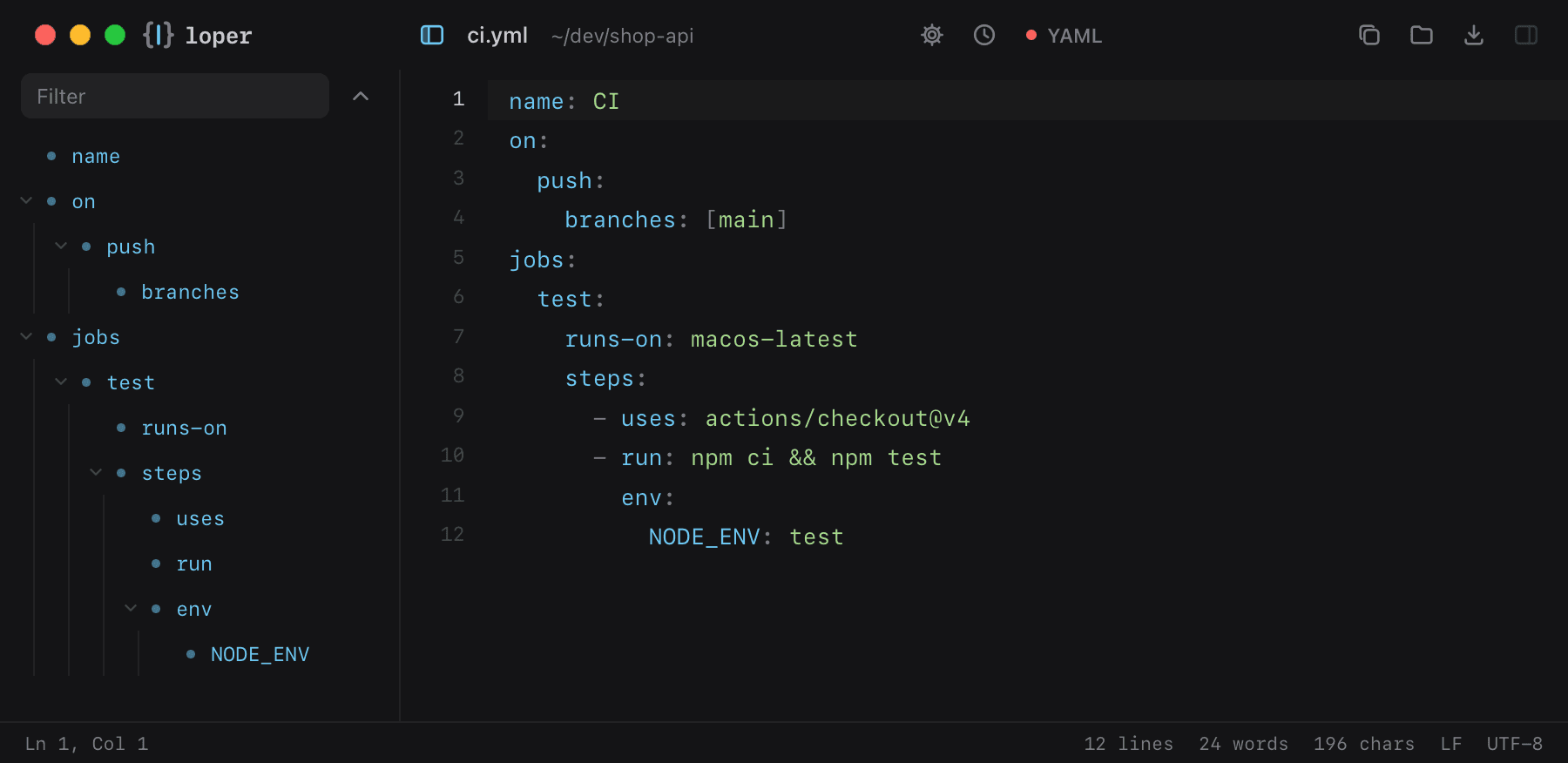
Show the file as text
name: CIon: push: branches: [main]jobs: test: runs-on: macos-latest steps: - uses: actions/checkout@v4 - run: npm ci && npm test env: NODE_ENV: testHow to open .yml files
- Download Loper (free, Apple silicon, signed and notarized) and move it to Applications.
- Double-click your .yml file, drag it onto the Loper window, or right-click it and choose Open With › Loper.
- Want every .yml file to open in Loper? Choose Loper › Make Loper the Default Editor….
More for developers
Environment files .envMarkdown .mdJSON .jsonTOML .tomlTypeScript & JavaScript .tsPython .pyShell scripts & dotfiles .shSQL .sqlPlain text .txtINI configuration .iniPython setup.cfg / tool config .cfgJava properties .propertiesHTML .htmlCSS and SCSS .cssJavaScript .jsRust .rsGo .goLua .luaDiff and patch .diff