Open .go files on your Mac.
.go
Go source and tools: packages, functions, types and strings at a glance.
Loper is a free, minimal editor for macOS that opens Go instantly and colors every part of the file, so you find the value you need at a glance and can fix it right there. No IDE, no project to load, no gray wall of text.
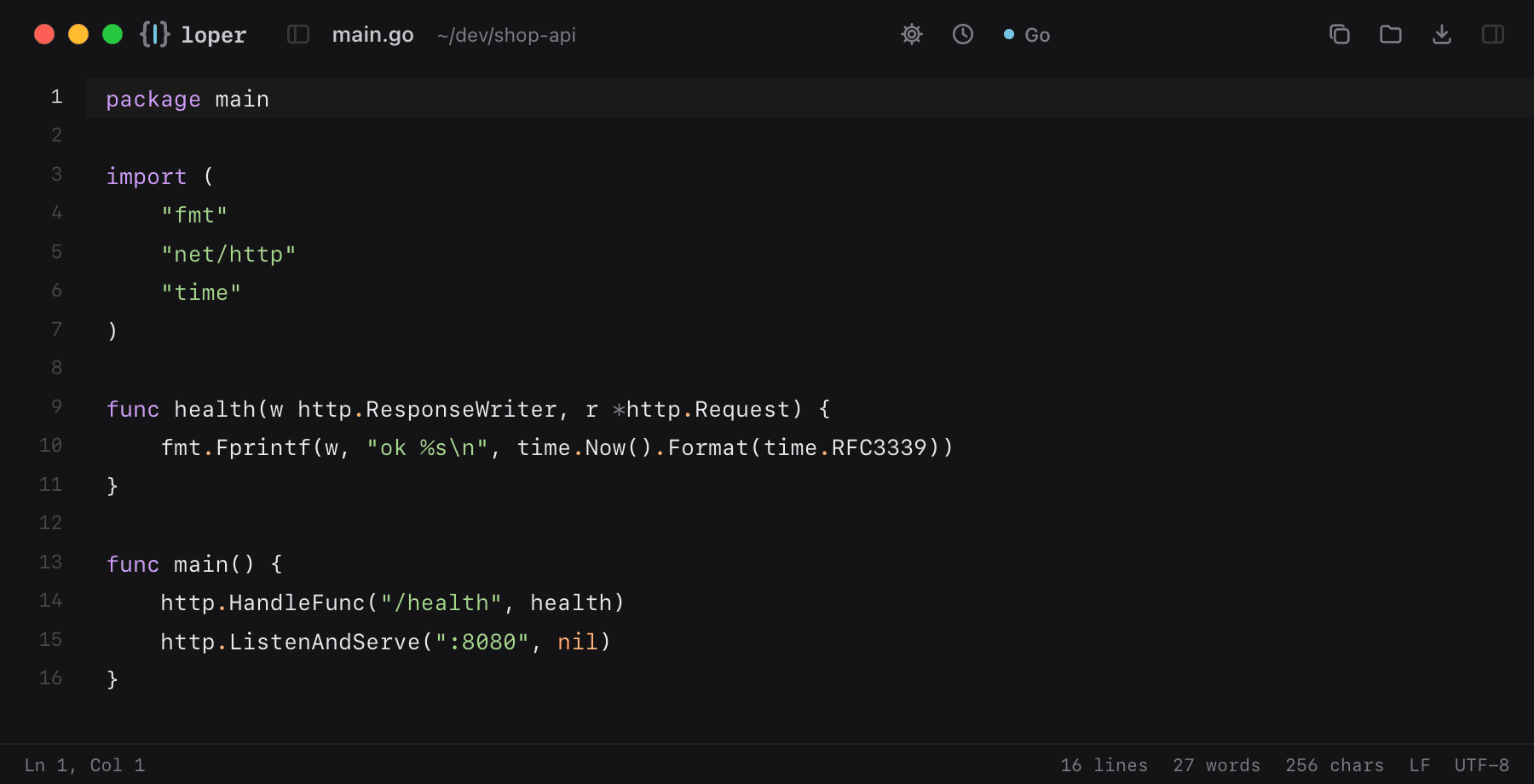
Show the file as text
package main import ( "fmt" "net/http" "time") func health(w http.ResponseWriter, r *http.Request) { fmt.Fprintf(w, "ok %s\n", time.Now().Format(time.RFC3339))} func main() { http.HandleFunc("/health", health) http.ListenAndServe(":8080", nil)}How to open .go files
- Download Loper (free, Apple silicon, signed and notarized) and move it to Applications.
- Double-click your .go file, drag it onto the Loper window, or right-click it and choose Open With › Loper.
- Want every .go file to open in Loper? Choose Loper › Make Loper the Default Editor….
More for developers
Environment files .envMarkdown .mdJSON .jsonYAML .ymlTOML .tomlTypeScript & JavaScript .tsPython .pyShell scripts & dotfiles .shSQL .sqlPlain text .txtINI configuration .iniPython setup.cfg / tool config .cfgJava properties .propertiesHTML .htmlCSS and SCSS .cssJavaScript .jsRust .rsLua .luaDiff and patch .diff