Open .cfg files on your Mac.
.cfg
Python packaging and tool settings (flake8, pytest, mypy) in INI style, sections and options at a glance.
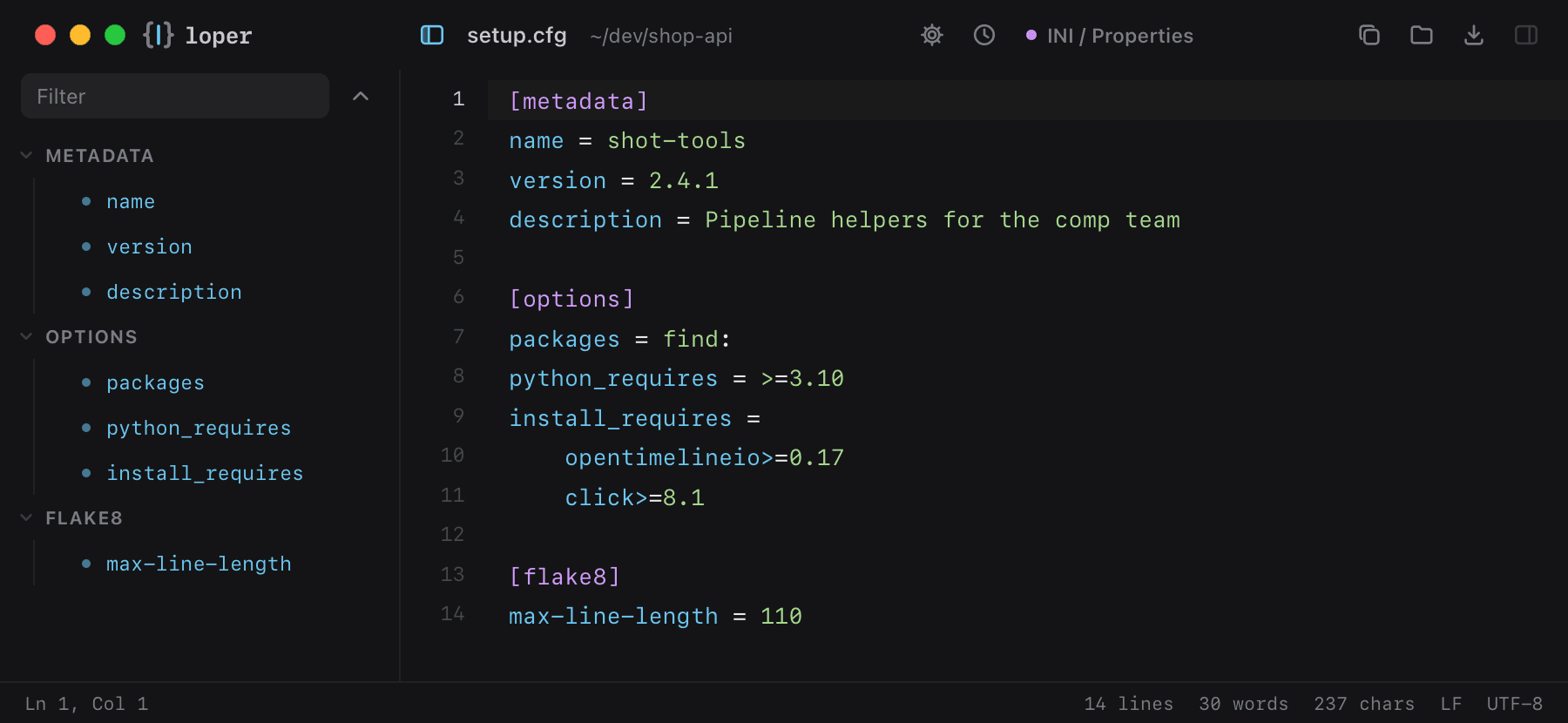
Loper is a free, minimal editor for macOS that opens Python setup.cfg / tool config instantly and colors every part of the file, so you find the value you need at a glance and can fix it right there. No IDE, no project to load, no gray wall of text.
Show the file as text
[metadata]name = shot-toolsversion = 2.4.1description = Pipeline helpers for the comp team [options]packages = find:python_requires = >=3.10install_requires = opentimelineio>=0.17 click>=8.1 [flake8]max-line-length = 110How to open .cfg files
- Download Loper (free, Apple silicon, signed and notarized) and move it to Applications.
- Double-click your .cfg file, drag it onto the Loper window, or right-click it and choose Open With › Loper.
- Want every .cfg file to open in Loper? Choose Loper › Make Loper the Default Editor….