Open .sql files on your Mac.
.sql
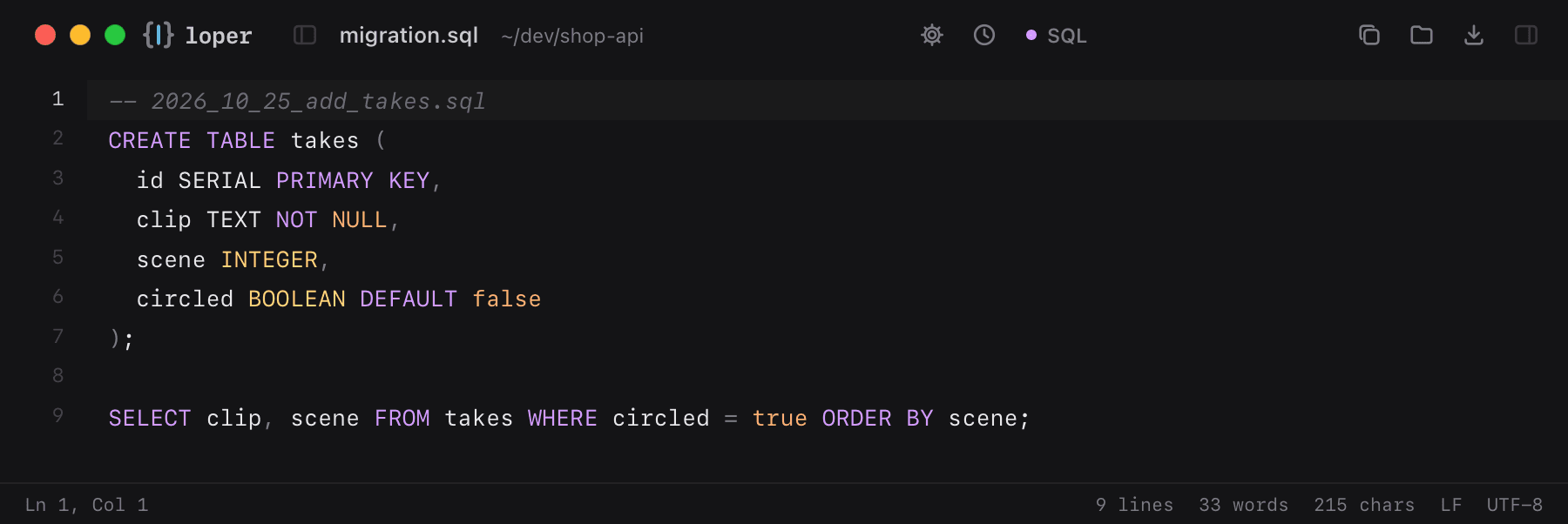
Migrations and queries with keywords, strings and numbers highlighted.
Loper is a free, minimal editor for macOS that opens SQL instantly and colors every part of the file, so you find the value you need at a glance and can fix it right there. No IDE, no project to load, no gray wall of text.
Show the file as text
-- 2026_10_25_add_takes.sqlCREATE TABLE takes ( id SERIAL PRIMARY KEY, clip TEXT NOT NULL, scene INTEGER, circled BOOLEAN DEFAULT false); SELECT clip, scene FROM takes WHERE circled = true ORDER BY scene;How to open .sql files
- Download Loper (free, Apple silicon, signed and notarized) and move it to Applications.
- Double-click your .sql file, drag it onto the Loper window, or right-click it and choose Open With › Loper.
- Want every .sql file to open in Loper? Choose Loper › Make Loper the Default Editor….
More for developers
Environment files .envMarkdown .mdJSON .jsonYAML .ymlTOML .tomlTypeScript & JavaScript .tsPython .pyShell scripts & dotfiles .shPlain text .txtINI configuration .iniPython setup.cfg / tool config .cfgJava properties .propertiesHTML .htmlCSS and SCSS .cssJavaScript .jsRust .rsGo .goLua .luaDiff and patch .diff